Self-hosted server or no server at all
Compare Vaultwarden and VaultKeepR by encryption, storage, access, and export format. The notes below distinguish supported settings and account models.
The short answer
- Switch if you would rather not patch, back up and expose a server.
- Switch if you want sync to work without a domain name or TLS certificate.
- Stay if you need the Bitwarden clients and already operate infrastructure.
A Vaultwarden export is a Bitwarden JSON or CSV. Import it locally. Migration steps
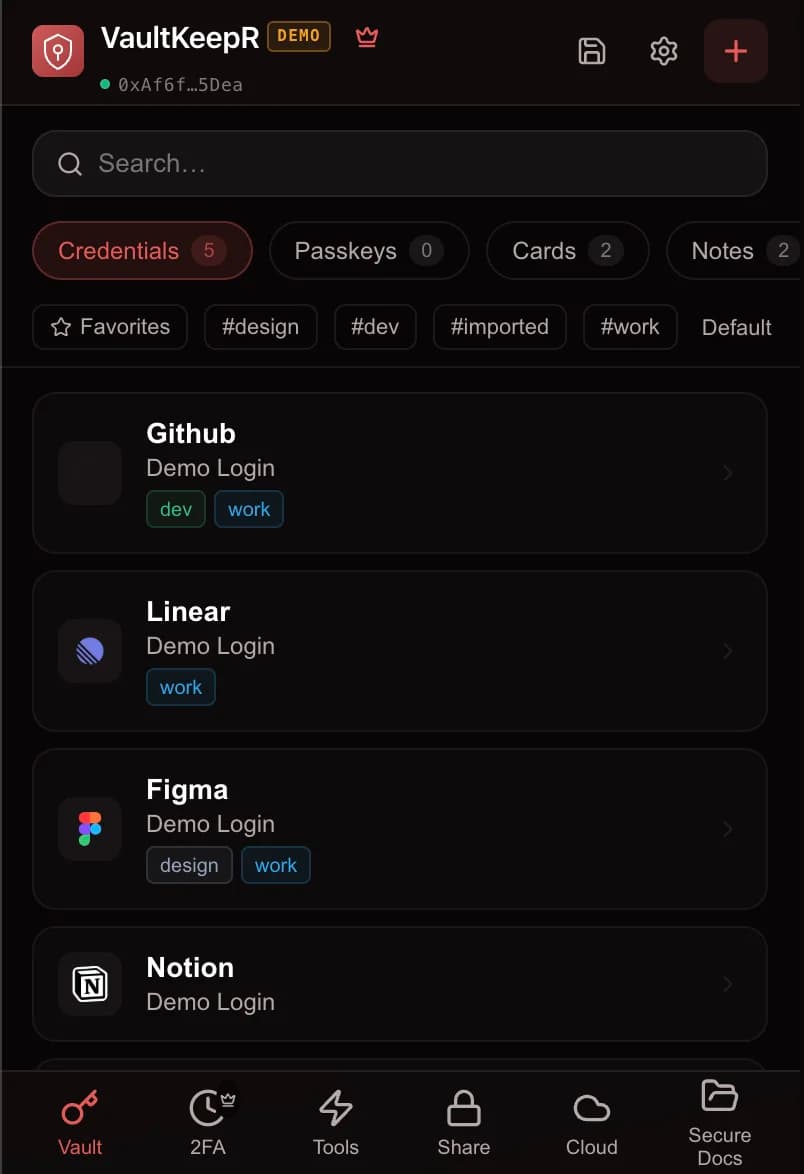
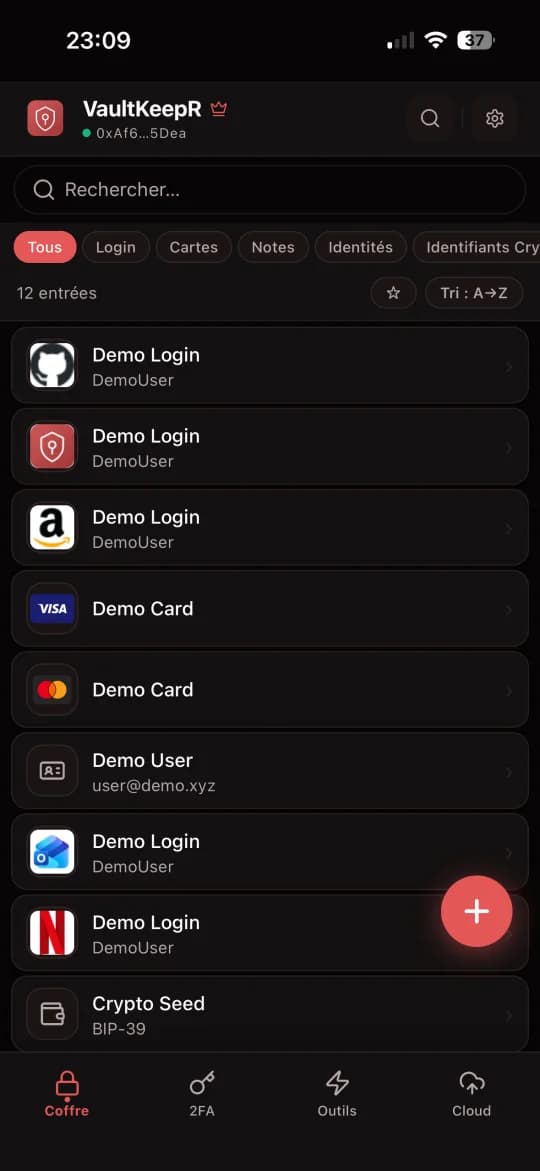
Swipe or scroll sideways to see all columns. With a keyboard, focus the table and use the left and right arrow keys.
| Comparison | VaultKeepR | Vaultwarden |
|---|---|---|
| Encryption and key derivation | XChaCha20-Poly1305 + Argon2id | Bitwarden client encryption (account KDF setting) |
| Storage location | Local encrypted vault / IPFS sync | Self-hosted Bitwarden-compatible server |
| Access & Auth | Password + Secret Key / compatible passkey | Bitwarden clients: email + master password (options vary) |
| Open-source license | Yes | Yes |
| Public implementation for review | Public SDK; not an external security audit | Yes |
| Pricing | Free local vault and IPFS sync; Premium extras | Free (self-hosted) |
What actually changes when you leave Vaultwarden
Vaultwarden is an independent Rust implementation of the Bitwarden server API, used to self-host a compatible backend on modest hardware. It is not the official server, it is a compatible one, and that distinction matters for updates, for compatibility with newer Bitwarden clients, and for the security posture of whatever machine you expose. What you gain is control: no vendor account, no subscription, your own backups.
What you take on is operations. Patching, TLS certificates, database backups, and the decision of what happens when the host dies. Exporting from Vaultwarden produces standard Bitwarden JSON or CSV, which imports cleanly here. Organisations and collections disappear in the move, and anything your users stored as attachments should be checked before you decommission the instance.
Why users choose Vaultwarden
- • Open-source Rust server
- • Works with Bitwarden clients
- • Operator chooses hosting and backups
What to check with Vaultwarden
- • Server updates and HTTPS to maintain
- • Operator responsible for backups and uptime
- • Independent project, not the official Bitwarden server
Encryption and key derivation
Vaultwarden implements a server API used by Bitwarden clients; it is not a separate universal vault cipher. Password-based encryption and the selected KDF belong to the client and account configuration. Check client compatibility before changing cryptographic settings.
VaultKeepR encrypts vault contents with XChaCha20-Poly1305 and uses Argon2id for password-based key derivation. Argon2id raises the cost of offline guessing, but protection still depends on the unlocking secret, KDF parameters, and device security.
Vault copies and remote availability
Vaultwarden is self-hosted, so its operator chooses the server and manages database and attachment backups. It is not necessarily hosted on a particular cloud provider or limited to a single database setup. Self-hosting still needs updates, HTTPS, and an availability plan.
VaultKeepR keeps an encrypted local vault and syncs an encrypted vault blob through IPFS. Shamir recovery fragments are separate from that blob. Remote access depends on gateways, continued pinning, and the configured storage services, including S3 backup. Keep a local copy or export that you can unlock.
Account and unlocking methods
Users unlock their vaults through compatible Bitwarden clients. A server administrator token is not the ordinary user's vault-unlocking method. Server administration, user authentication, and possession of vault decryption keys are different responsibilities.
VaultKeepR does not require an email-based vault account. Unlock methods depend on the app and compatible hardware. Removing email registration does not prevent phishing, compromised-device access, or metadata linkage.
Recovery and independent backups
The local vault and IPFS sync are free. Shamir 3-of-5 fragmented recovery is part of Premium. Set it up before losing access; recovery requires the necessary fragments and recovery information.
If you lose the unlocking secrets without a usable recovery setup or another accessible vault copy, you can lose access to the vault. An email reset cannot recreate a lost encryption key. Test recovery and keep independent backups before relying on them.
Read the full guide: What is a Zero-Knowledge Password Manager?
Sources and scope
Facts checked on . Features depend on the client, format, KDF settings, and account model. Pricing can change by region, billing period, and promotion. USD prices are not converted to EUR here.
VaultKeepR references: Architecture, threat model, recovery, pricing.
Frequently asked questions
How can I transfer my passwords from Vaultwarden?
Can I access my passwords offline?
Is VaultKeepR really free?
Does VaultKeepR work with passkeys and biometrics?
Where is my data actually stored?
Other comparisons
Switching managers is also a good time to close the accounts you no longer use. Our guides cover how to delete accounts on 15 major services.
Try a local-first vault
Use the transfer method for Vaultwarden above, then verify the imported entries. Keep a backup and your unlocking material available.